

Nothing collected
No analytics, no advertising, no attribution, no crash reporting. There is no tracking code to turn off, because there is none to begin with.

No accounts, no ads, no analytics. Your history, your tabs, and even the AI run on your device.
Free on the App Store. For iPhone and iPad, iOS 18.4 and later.
No account to make and no server that receives your data, because the app ships with no analytics, advertising, attribution, or crash-reporting code at all.
Summaries, cited answers, and research from a small model that runs on the phone. Or bring your own cloud key.
A built-in ad and tracker blocker with anti-fingerprinting, on the first time you open the app.
Translate pages on-device across 29 European language pairs. Nothing leaves the phone.
A clean reader view with sepia, light, and dark themes, plus offline Read Aloud and built-in Markdown and JSON viewers.
A Home Screen widget, plus New Tab, Private Tab, and Search shortcuts in Siri and Spotlight.
Real screens, not renderings. A start page you build, a reader that reads to you, and answers drawn from the page in front of you.
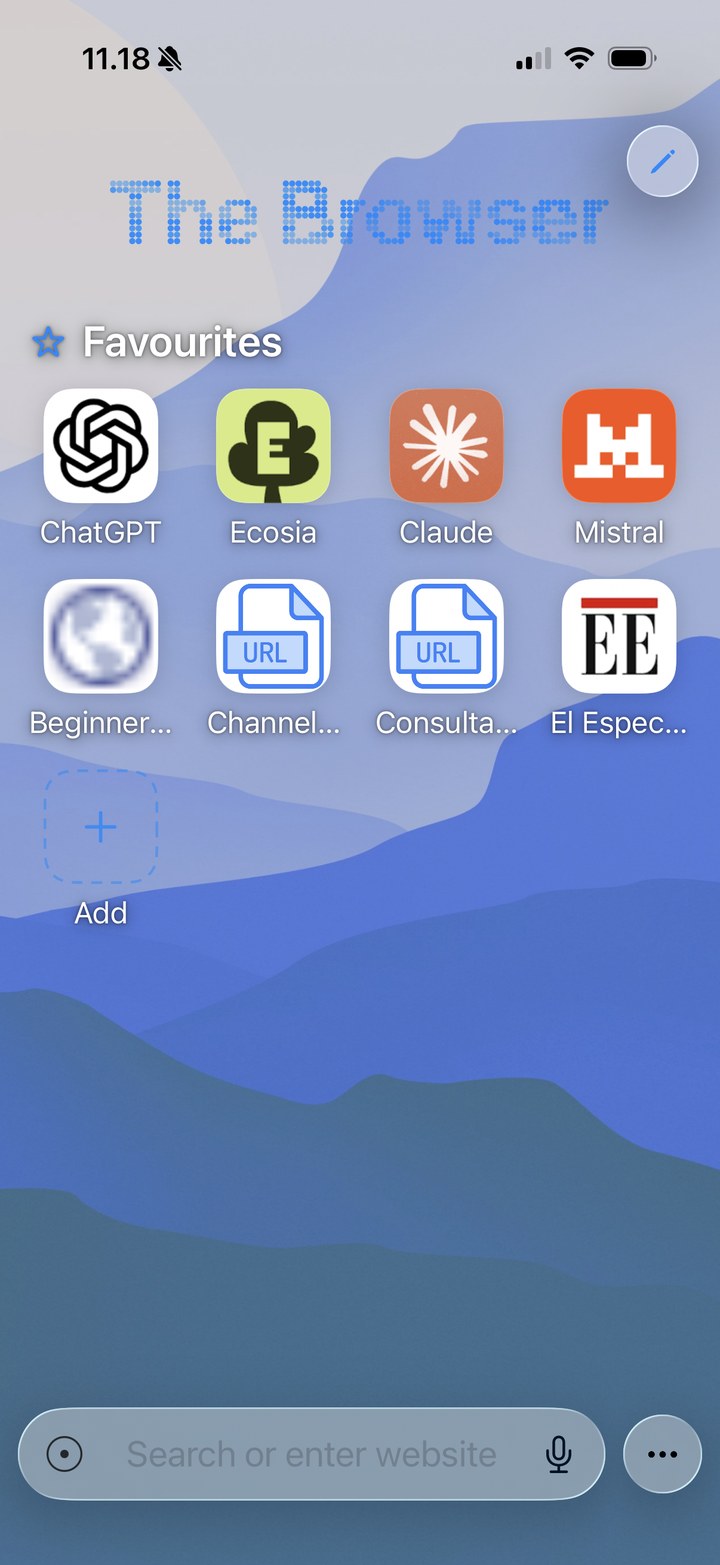
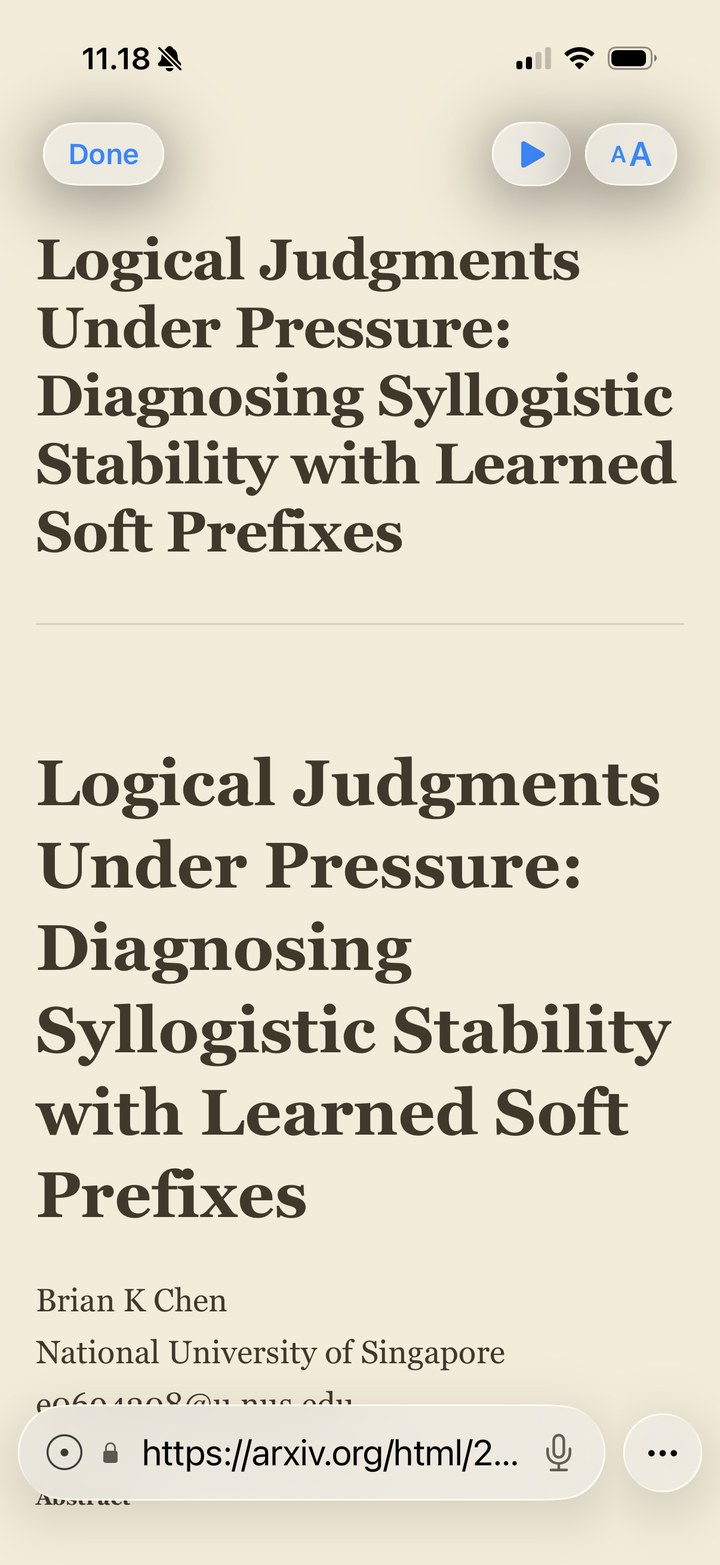
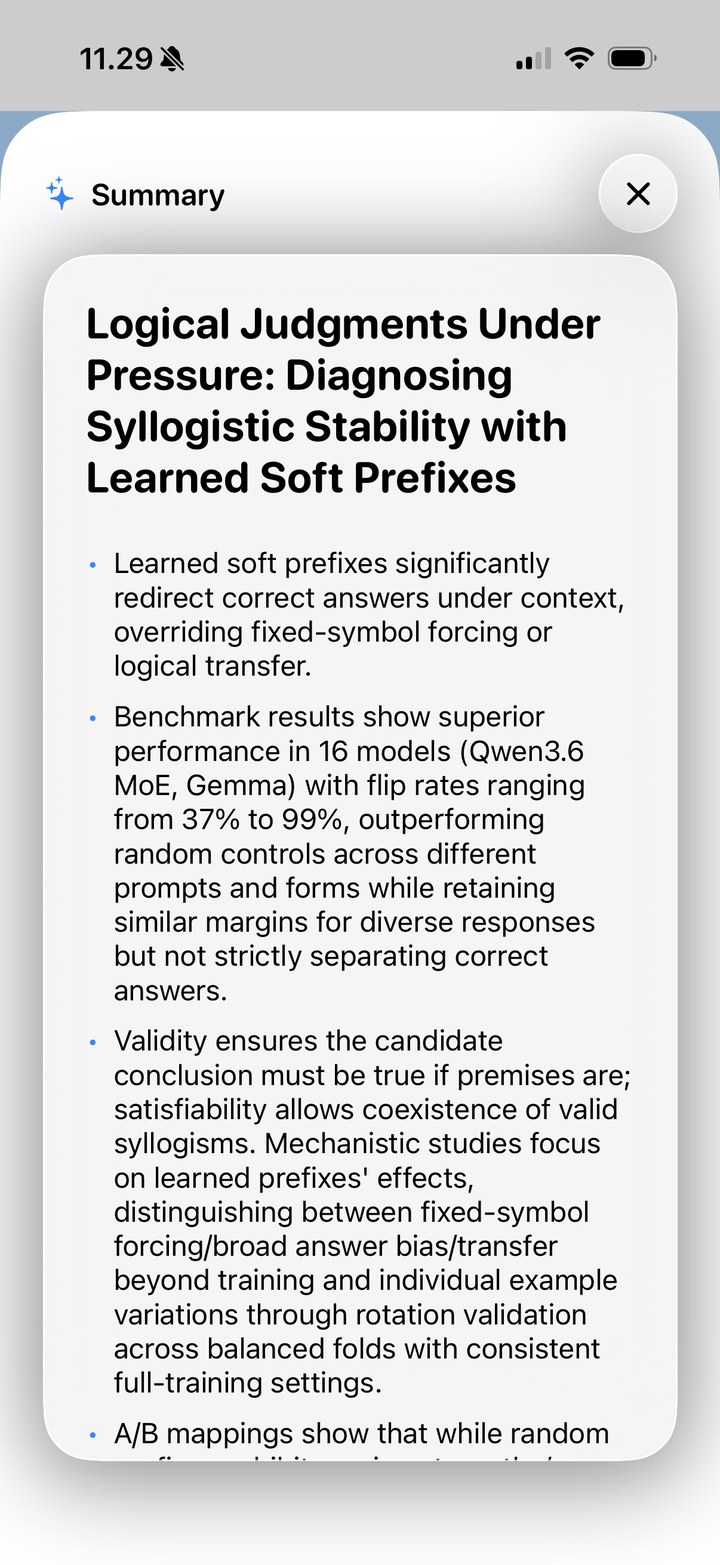
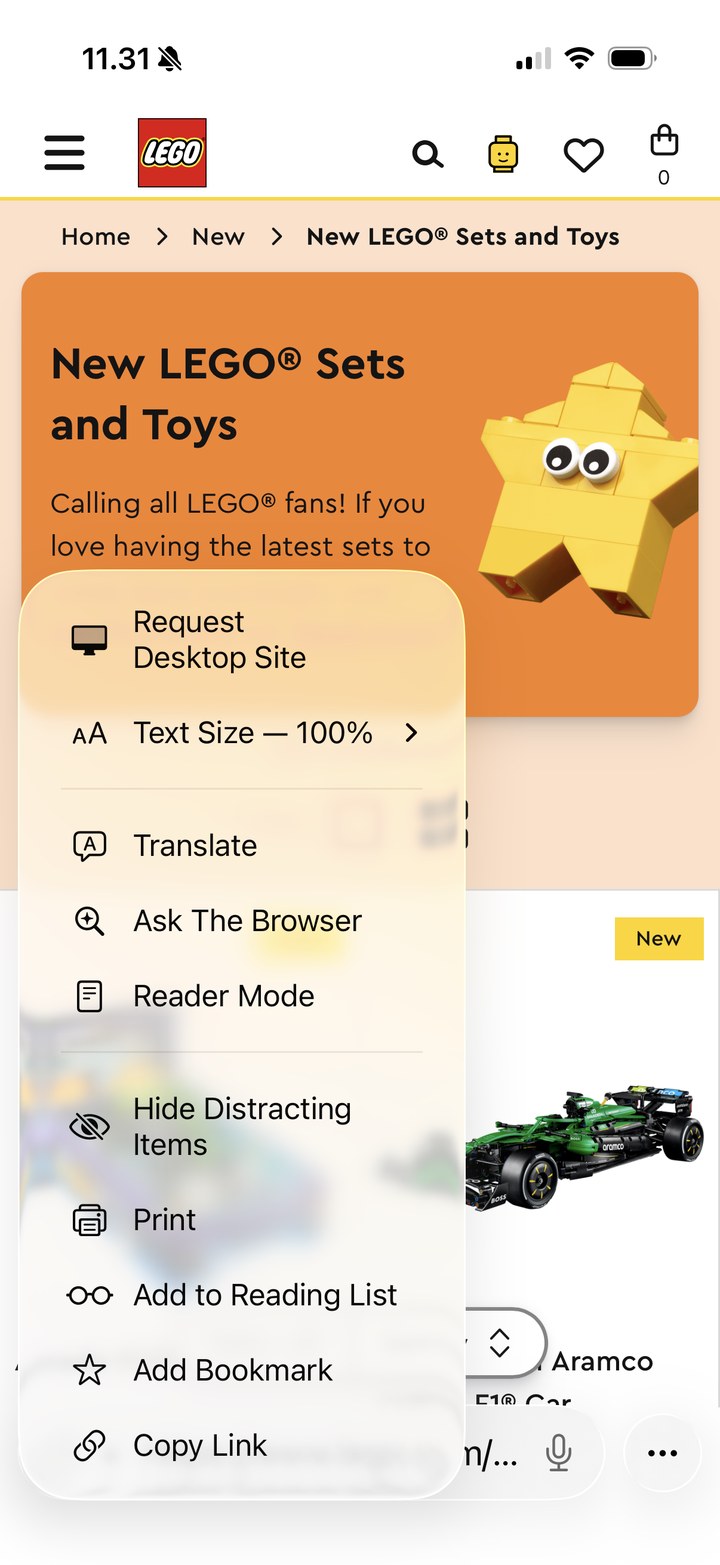
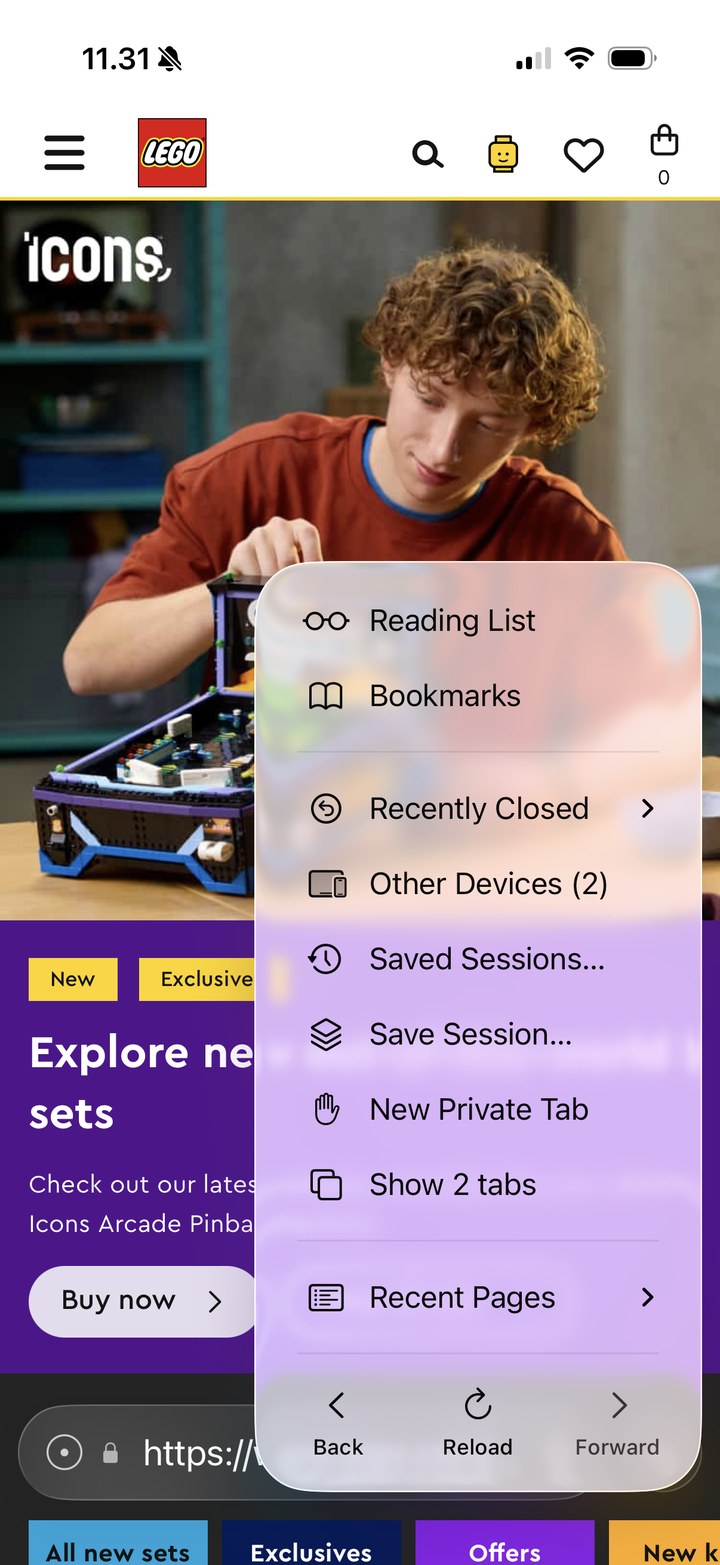
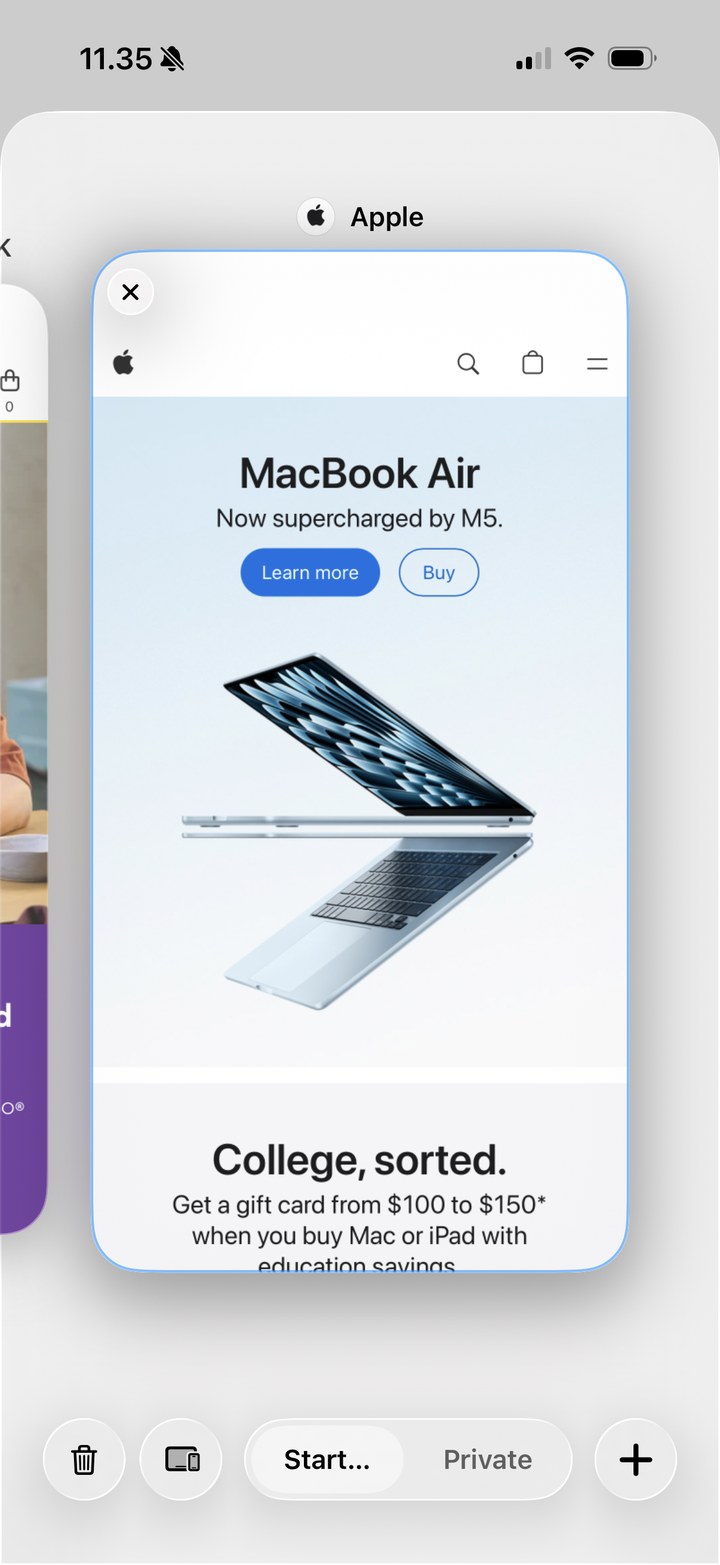
These screenshots show third-party websites purely to demonstrate the app in use. All trademarks, logos, product names, and content shown belong to their respective owners, who are not affiliated with The Browser and do not sponsor or endorse it.
There is nowhere for your data to go. The developer runs no accounts and operates no servers that receive it, so your browsing, searches, and bookmarks simply stay on your device.
No analytics, no advertising, no attribution, no crash reporting. There is no tracking code to turn off, because there is none to begin with.
History, bookmarks, tabs, favourites, and downloaded AI models live only on your device. iCloud Sync, if you turn it on, uses your own private iCloud.
Any AI provider keys stay in the device Keychain, never in plain settings. Your logins live in an on-device vault behind Face ID.
Summarize any page into clean bullets, then tap an Ask about this chip to dig deeper. The summary hands straight off to a full conversation.
Ask the Browser searches the web, reads the results, and answers with tappable source chips so you can check the source.
Download a small model and run it fully offline and free, or add a provider key that goes straight to your provider, never through us.
Runs on-device models you choose:
The dots you see across this page are the same dot-matrix that lives in the app, as a Home Screen and start-page widget. Type anything and watch it render.
Free on the App Store for iPhone and iPad. Download it, and everything stays on your device.